
Melon Ticket Global changed two things on October 23, 2026. Each account now gets exactly one queue number: if you join the queue on a second device, browser or tab with the same account, the session you entered later is shut down automatically. And show times now appear on the product page only 1 hour before tickets open. So opening extra windows on sale day no longer helps. What decides whether you get tickets is the week before: an account in your passport name, passport verification already done, and a non-Korean credit card with 3-D Secure switched on. Then, on the day, one device and one tab. Three terms come up throughout: "Verified Members Only" means only passport-verified accounts can buy; "3-D Secure" is your card issuer's online security check for foreign card payments; "Will Call" means collecting your ticket at the venue on the day.
- Use Melon Ticket Global (tkglobal.melon.com). A Korean Melon account does not carry over; sign up again.
- Name exactly as on your passport; you cannot change it yourself later. Email must be Gmail, Outlook, Hotmail, iCloud, QQ or yahoo.co.jp.
- Verify your passport right after signing up. Most concerts are Verified Members Only; Melon says do it at least 1–2 days before sales open.
- One device, one tab on sale day. A second queue on the same account is cut.
- Pay with a card issued outside Korea, 3-D Secure on. Alipay+ and PayPal depend on the show.
- Cancel by 5 p.m. KST the day before the show. The booking fee is non-refundable from the day after purchase.
Contents
- Who this is for
- Melon Ticket Global at a glance
- Which site do foreigners use?
- What name and email should you sign up with?
- What does Verified Members Only mean?
- PC or phone? Can you queue on two devices?
- "Please allow pop-ups": what to do
- How do you pay? Will your card work?
- How much is the booking fee?
- Mobile ticket or Will Call?
- Can you cancel, and what does it cost?
- Can a friend buy for you?
- Your situation
- From sign-up to the show
- Common mistakes
- FAQ
- What I would do
- Official sources
Who this is for
Foreign fans buying K-pop concert, fan meeting or festival tickets sold on Melon Ticket, wherever you live outside Korea.
- You are using Melon Ticket Global for the first time and want everything ready before sale day.
- You followed an older guide and want to know what stopped working in October 2026.
- You are buying with friends and want to know what you can and cannot do for each other.
- You have tickets and want to know the cancellation deadline and cost before your plans change.
Not for you if:
- You are a Korean national living abroad. Melon sends you to the Korean site, ticket.melon.com, to verify.
- You are looking for someone to buy on your behalf. Using someone else's name, card or account is banned under the terms.
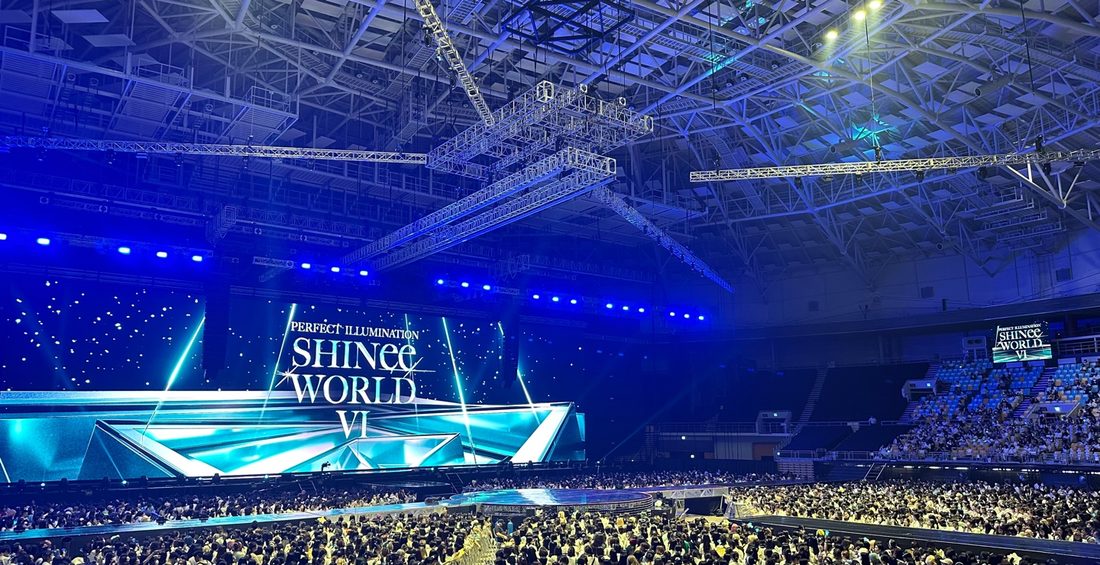
Melon Ticket Global at a glance
Everything to have ready, in one table. Times on Melon product pages are always Korea Standard Time (KST, UTC+9).
| Item | Detail |
|---|---|
| Site | tkglobal.melon.com, in English, Simplified Chinese and Japanese |
| Operator | Kakao Entertainment |
| For | Foreigners living outside Korea |
| To sign up | Your name as spelled on your passport; an email from one of six accepted domains |
| Passport verification | Passport plus a smartphone with a camera; required for Verified Members Only shows since September 11, 2025 |
| Recommended setup | Chrome on a PC, or the mobile website |
| Queue | One queue number per account (since October 23, 2026) |
| Payment | Credit card issued outside Korea; Alipay+ and PayPal depend on the show |
| Concert booking fee | ₩8,000 (since April 23, 2026) |
| Tickets | Mobile ticket or Will Call, depending on the show |
| Online cancellation deadline | 5 p.m. KST the day before the show |
Which site do foreigners use?
Melon Ticket Global, with its own account; a Korean Melon account does not work there. Melon says the service is for foreigners living abroad and that users in Korea should use the Korean service. Even if you already have a Melon account, you sign up again on Global as a foreigner.
Check the address bar when you follow a tutorial. A Korean-language page on ticket.melon.com is the Korean site, with a different sign-up and payment flow, and following it gets you stuck at step one. The product page on Global is where foreigners should read the sale time, payment options, ticket delivery and cancellation policy for a show.
What name and email should you sign up with?
Your first and last name exactly as on your passport, and an email from one of six domains. You cannot edit the name yourself after signing up. The sign-up page says that if your name differs from your passport, "problems may arise as you receive your ticket".
| Field | Rule |
|---|---|
| Name | First Name and Last Name in separate fields, spelled as on your passport |
| Changing your name later | Not possible yourself: "You cannot make changes after sign-up." |
| Accepted email domains | gmail.com, qq.com, yahoo.co.jp, icloud.com, outlook.com, hotmail.com only |
| Password | 8–20 characters: letters, numbers and symbols |
| After deleting an account | You cannot sign up again for 30 days |
The email list is the trap. Work and school addresses, custom domains, yahoo.com, gmx and anything else outside those six will not register, so open a Gmail or Outlook address first if you need one.
If you misspelled your name, do not delete the account and start over: the 30-day lockout could cost you the sale. Passport verification, in the next section, automatically changes the account name to the name on your passport.
What does Verified Members Only mean?
Only passport-verified accounts can buy that show, so verify as soon as your account exists. The label appears on the product page. On November 3, 2026, 128 of the 140 shows on the Global home page carried it, and every one of the 12 without it was a musical, play or exhibition. If you are buying a concert or fan meeting, assume you need verification and do it today.
| Item | Detail |
|---|---|
| What you need | Your own passport and a smartphone with a camera |
| Where | My Info > Verification > Scan your passport and face > Validation check > Confirmed |
| When | Melon recommends at least 1–2 days before tickets open |
| How long it takes to apply | Up to about 5 minutes |
| Limits | Your own passport only; a passport verified on one account cannot verify another; too many attempts lock you out temporarily |
| Afterwards | The account name changes to the name on your passport |
Passport verification in 5 steps:do it when you sign up,at the latest 1–2 days before the sale
- 1Log in and open My InfoHave your passport and a smartphone with a camera ready
- 2Tap Verification
- 3Scan your passport and faceYour own passport only; it cannot be reused on another account; too many attempts trigger a temporary limit
- 4Validation check: wait for the system
- 5Confirmed means you are doneIt can take up to about 5 minutes to show on your account; your account name becomes your passport name
"One passport, one account" also means you cannot verify a friend's account with your passport. Everyone who wants to buy needs their own account and their own passport.
PC or phone? Can you queue on two devices?
Use Chrome on a PC with one tab. If the same account queues anywhere else, the session that entered later is cut. Melon's notice puts it this way: "If you enter the queue simultaneously across multiple devices, browsers, or tabs using the same account, any queue session entered later will be automatically terminated."
| Item | Rule (since October 23, 2026) |
|---|---|
| Recommended setup | Chrome on a PC, or the mobile website |
| When show times appear | On the product page 1 hour before tickets open |
| How to enter after opening | PC: click "Get Tickets". Mobile: tap a session time |
| Queue numbers | One per account |
| Second device, browser or tab | The session entered later is automatically terminated |
| Time zone | All times on product pages are KST (UTC+9) |
Many fans assume a laptop, phone and tablet logged in together means three chances. Now it means one, and the extra windows only knock out whatever you joined with later. If your sale page shows no session times more than an hour before opening, that is the new rule, not a broken page.
Two friends queuing on their own accounts are two different accounts, and the rule does not touch them.
"Please allow pop-ups": what to do
Turn off Chrome's pop-up blocker before sale day. Melon tells buyers to switch it off first. The path is Settings > Privacy and Security > Site Settings > Pop-ups and Redirects. Set it the day before, on the same computer and the same Chrome profile you will use for the sale.
How do you pay? Will your card work?
A credit card issued outside Korea always works; Alipay+ and PayPal depend on the show. Melon's April 2025 notice listed Visa, Mastercard, JCB and UnionPay. Organizers can limit Alipay+ and PayPal, and some shows state that Global accepts credit cards only.
| Item | Rule |
|---|---|
| Always accepted | Credit cards issued outside Korea (Visa, Mastercard, JCB, UnionPay) |
| Korean-issued cards | Not allowed; even if the charge goes through and the order is created, the tickets may be cancelled |
| Alipay+, PayPal | Selectable at checkout when offered; the organizer can restrict them |
| 3-D Secure | Required on foreign cards; set it up with your card issuer beforehand. Not needed for UnionPay |
| On your statement | Not "Melon Ticket" but a name such as "KGINICIS" or "BC Card" |
| UnionPay charged but no booking | No booking record means the purchase failed; the charge is reversed within a few days. If not refunded after 14 days, contact your card issuer |
| Changing seats after booking | Not possible; cancel and book again |
Before sale day, pick a card in your own name and confirm on your bank's site or app that 3-D Secure is active. Do not wait for the verification prompt to appear at checkout. A charge from KGINICIS or BC Card on your statement is your ticket, not fraud.
How much is the booking fee?
₩8,000 for concerts, including fan meetings and festivals, since 10 a.m. KST on April 23, 2026. The fee depends on the type of show.
| Show type | Booking fee |
|---|---|
| Concerts (incl. fan meetings and festivals) | ₩8,000 |
| Musicals | ₩6,000 |
| Fan clubs | ₩3,000 |
| Events and exhibitions | Free |
The notice does not say whether the fee is per ticket or per booking, so go by the amount on the checkout page when you buy more than one. The booking fee is not refunded if you cancel from the day after purchase onward, even inside the free-cancellation week.
Mobile ticket or Will Call?
The show decides; the product page says which options it offers. Choose mobile and no paper ticket is issued.
| Mobile Ticket | Will Call | |
|---|---|---|
| Where | Melon Ticket Global mobile website > My; tickets sent to you are under Gift Ticket | The venue's ticket pickup point |
| When | Varies by show; see the product page | Show day only |
| Bring | A phone with data | The booking confirmation with the reservation number, plus your own photo ID (your passport); copies and photos are not accepted |
| If lost after pickup | — | Not reissued |
Some shows state that the name on the booking must match your passport exactly to collect tickets. That is the reason to get the sign-up name right in the first place. Bring the original passport, not a photo of it.

Can you cancel, and what does it cost?
Yes, free within 7 days of buying; the last chance online is 5 p.m. KST the day before the show, and nothing can be cancelled on the show day. These are Melon Ticket Global's default rules. Individual shows can differ, and the product page's Cancellation Policy wins.
What cancelling costs:the earlier, the cheaper;last chance 5 p.m. KST the day before
Melon Ticket Global default rules, all times KST. Individual shows follow the Cancellation Policy on their product page.
- Day of purchaseFreeCancel by 23:59 KST and no cancellation fee is chargedDepending on the bank, cancellation may not be possible after 23:30 KST
- Day 2 to day 7No feeNo cancellation fee, but the booking fee is not refunded
- Day 8 to 10 days before the showFlat₩4,000 per ticket, capped at 10% of the ticket price
- From 7 days before10%10% of the ticket price
- From 3 days before20%20% of the ticket price
- 1 day before30%30% of the ticket price; online cancellation closes at 5 p.m. KSTMelon's FAQ adds: "after 11am on Saturdays, KST"
- Show dayNoCannot be cancelled
| Item | Detail |
|---|---|
| How | My Ticket > select the booking > Cancel my purchase |
| Refund timing | 3–7 days, depending on your card issuer |
| Show-specific rules | The product page's Cancellation Policy applies |
The deadline catches people because it is an afternoon, not midnight, and in Korea time. Work out what 5 p.m. KST the day before is where you live, and put it in your calendar the moment you buy.
Can a friend buy for you?
Not on your account, with your card or in your name. The membership terms ban using someone else's name, card or account. Article 22 also bans direct trades that skip the platform's payment protection, and accounts can be suspended for it. Orders that look fraudulent or not meant for attending the show may be cancelled or restricted. The per-person ticket limit is on each product page.
Your situation
If you are buying with friends
Each person uses their own account, their own passport verification and a card in their own name, and each opens one window. Do not log in to a friend's account on your second device to queue for them: that is the same account in two places, the later session gets cut, and using someone else's account breaks the terms anyway. Check the per-person limit first, and agree before the sale who buys what.
If you got tickets but your plans might change
Decide early. Cancelling the same day by 23:59 KST costs no cancellation fee, and the booking fee only becomes non-refundable the next day. From day 2 to day 7, you lose only the booking fee. After that a per-ticket fee applies, and from a week before the show you lose 10% to 30% of the ticket price. Show day is too late.
From sign-up to the show
- Sign up on Melon Ticket Global with your passport name and an accepted email.
- Verify your passport in My Info > Verification, at least 1–2 days before the sale.
- Set up payment: a non-Korean credit card in your name with 3-D Secure active.
- Prepare the browser: Chrome on a PC, pop-ups allowed.
- On sale day, open the product page before opening time; session times appear 1 hour before. Click Get Tickets once, on one device, in one tab.
- After buying, note the cancellation deadline in your own time zone.
- Show day: open your mobile ticket before you reach the venue, or bring the booking confirmation and your passport for Will Call.
Common mistakes
- Signing up with a work or yahoo.com email. Only six domains are accepted.
- Using a nickname or a shortened name. It has to match your passport, and you cannot fix it yourself.
- Deleting the account to fix a typo. You are locked out for 30 days. Verification corrects the name instead.
- Verifying on sale day. Delays and the attempt limit can shut you out.
- Queuing on laptop and phone together. The later session is terminated.
- Counting on PayPal. Some shows take credit cards only.
- Missing the cancellation deadline by reading it as midnight, or as your local time. It is 5 p.m. KST the day before.
- Bringing a photo of your passport to Will Call. Copies and photos are refused.
FAQ
- Q1: Can I use my Korean Melon account on Melon Ticket Global?
- No. Melon Ticket Global is a separate service for foreigners living outside Korea, and you need to sign up again there as a foreigner.
- Q2: Which email addresses work on Melon Ticket Global?
- Only gmail.com, qq.com, yahoo.co.jp, icloud.com, outlook.com and hotmail.com. Work addresses, custom domains and other Yahoo domains are not accepted, so create a Gmail or Outlook address first.
- Q3: Do I need passport verification to buy concert tickets on Melon?
- For almost every concert, yes. Shows marked Verified Members Only can only be bought by accounts that have completed passport verification. Melon recommends doing it at least 1–2 days before tickets open.
- Q4: Can I queue on my phone and laptop at the same time on Melon Ticket Global?
- Not with the same account. Since October 23, 2026, one account gets one queue number, and any queue session entered later on another device, browser or tab is automatically terminated.
- Q5: Can I pay with PayPal on Melon Ticket Global?
- Only on some shows. Alipay+ and PayPal appear at checkout when the organizer allows them; some shows accept credit cards only. A credit card issued outside Korea, with 3-D Secure turned on, is the one method that always works.
- Q6: How much is the Melon Ticket Global booking fee?
- ₩8,000 for concerts, fan meetings and festivals, since April 23, 2026. Musicals and fan clubs cost less, and events and exhibitions are free. The checkout page shows the exact amount.
- Q7: What is the cancellation deadline on Melon Ticket Global?
- 5 p.m. KST the day before the show, and no cancellations on the show day. Melon adds "after 11am on Saturdays, KST", and some shows have their own policy on the product page.
What I would do
I would set up the account the day I decide to go, not the week of the sale: Gmail address, passport name, verification straight after, then a check in my banking app that 3-D Secure is on. On sale day I would use Chrome on a laptop, pop-ups already allowed, and leave my phone off the account entirely; a second window now only risks knocking out the first. I would not rely on PayPal even if I used it last time. And if there is any chance I cannot go, I would decide within 7 days of buying, when it costs only the booking fee. Flying in for the show? Sort out whether you need a K-ETA in 2027 and the e-Arrival Card before you land. If you are staying longer and want a ballgame too, buying KBO tickets as a foreigner works differently.
Official sources
- Melon Ticket Global: Notices (queue rule from October 23, 2026; booking fee from April 23, 2026)
- Melon Ticket Global: FAQ
- Melon Ticket Global: Sign up
Prices and times follow the latest official announcement.
Read next
Verified
 Not announced
How to Buy KBO Tickets as a Foreigner (2027 Season Guide)
The 2027 KBO opening day and schedule have not been announced; the 2026 season opened March 28, and its schedule was published December 19, 2025. LG Twins and Doosan Bears play 2027–2031 at the main stadium of the Seoul Sports Complex in Jamsil, about 18,000 seats on the first two levels.
Verified
 Current
Korea e-Arrival Card 2026: Who Needs It and How to Fill It
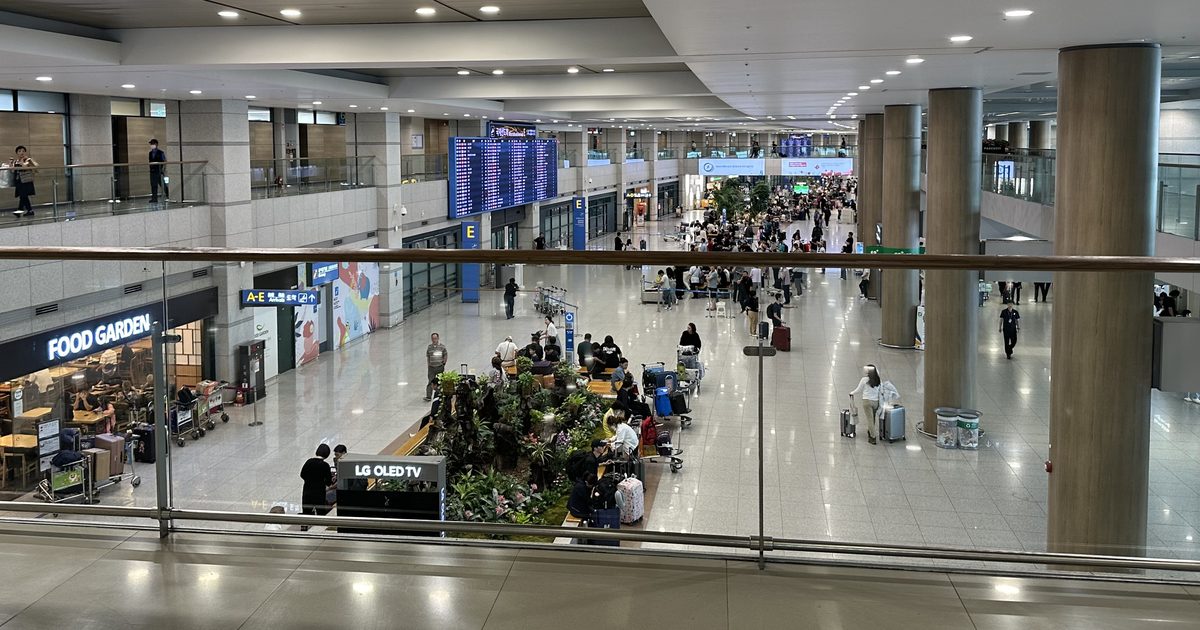
Every foreigner entering Korea without a valid K-ETA files an arrival card, electronic or paper. That includes US, UK, Australian, Canadian and Singaporean travelers under the K-ETA exemption to December 31, 2026. The e-Arrival Card is free at www.e-arrivalcard.go.kr, opens 3 days before arrival (KST) and expires 72 hours after submission.
Verified
 Current
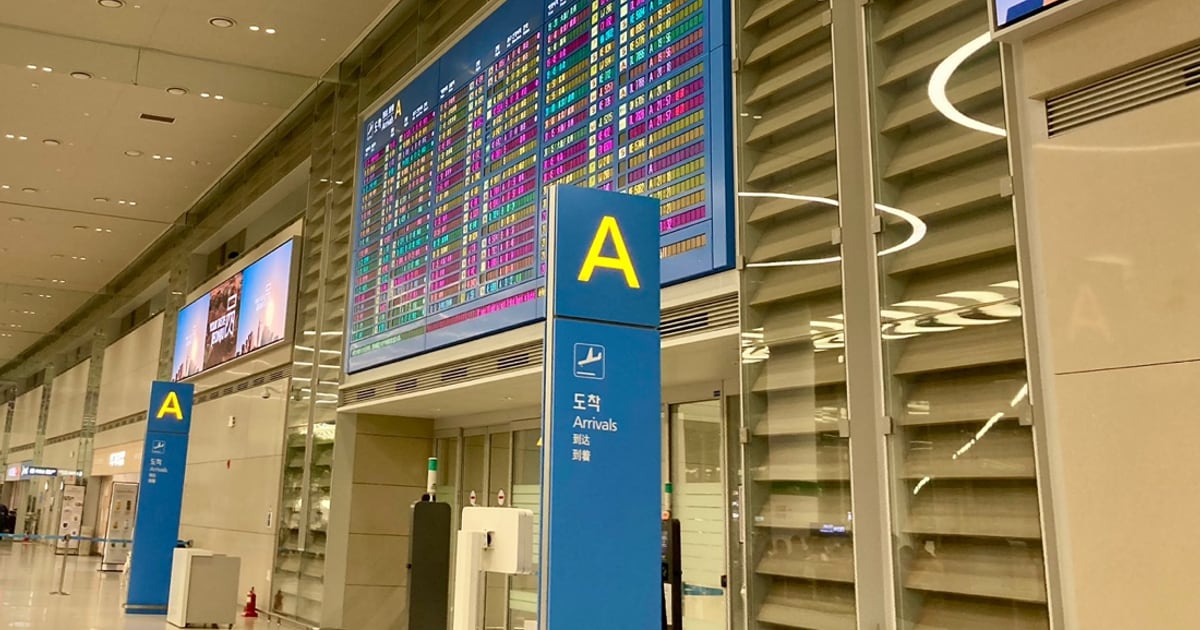
K-ETA Exemption 2027: Extended? Who Needs One From January 1
22 passports, including the US, UK, Australia, Canada and Singapore, are exempt from K-ETA until December 31, 2026 (KST). Korea has not announced an extension or an end for 2027. Malaysia, Thailand and other K-ETA countries need one now.