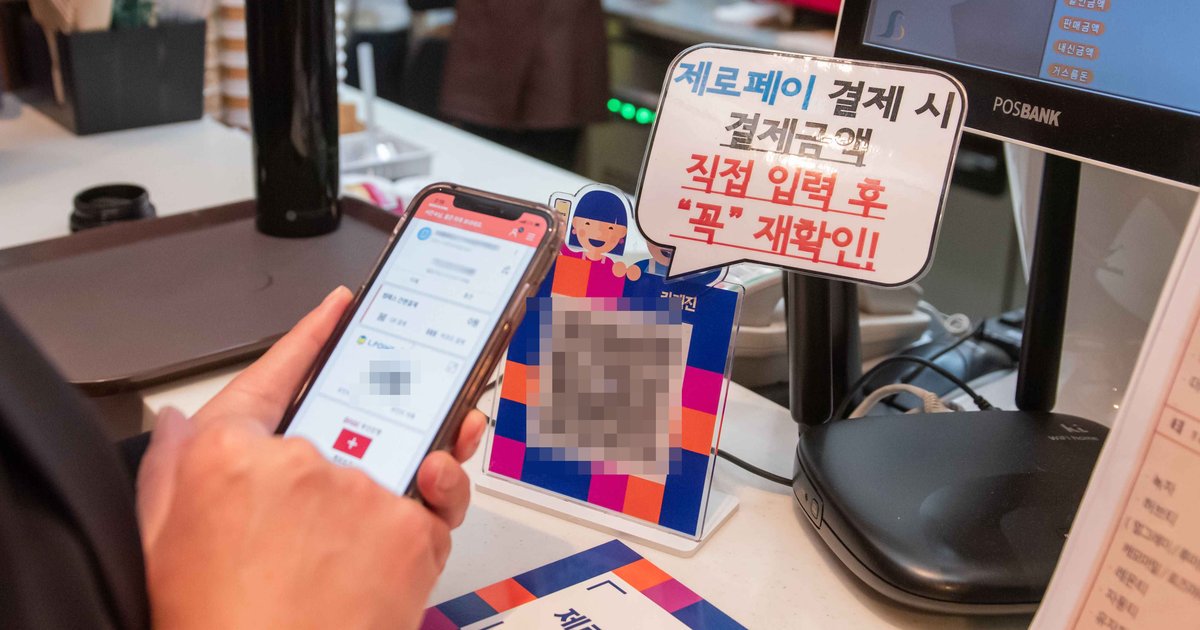
Apple Pay works in Korea with a card from home, at any terminal that has contactless payment switched on and accepts your card network. The “Apple Pay in Korea is Hyundai Card only” line you may have seen applies to cards issued in Korea, not yours. The harder question is getting around. In 2026 you still can’t tap the foreign card in your Wallet at a Seoul subway gate or bus reader; Seoul city buses start in 2027. On iPhone, the workaround is the MobileTmoney app, topped up with Apple Pay, and T-money’s accepted list for international users is Mastercard, American Express, UnionPay and JCB, with no Visa. This guide covers shops, transit, the home-currency prompt at the terminal, Kakao Pay and Naver Pay, and what to carry.
T-money (티머니) is Korea’s rechargeable transit card; MobileTmoney is its iPhone app version.
- Shops: Apple Pay with your home card works where the terminal has contactless switched on. A symbol on the reader doesn’t guarantee it.
- “Hyundai only”: that’s about Korean-issued cards. Yours follows your own country’s Apple Pay list.
- Subway and bus: no direct tap with a foreign card in 2026. On iPhone, use MobileTmoney and tap at the gate.
- MobileTmoney top-ups: Mastercard, Amex, UnionPay or JCB. No Visa.
- Carry anyway: a physical Visa or Mastercard and some won in cash.
- Home currency prompt: choose won.
- Kakao Pay: not for tourists. Naver Pay: only inside Naver services.
Contents
- Who this is for
- Key facts
- Does Apple Pay work in Korean shops?
- Is Apple Pay in Korea Hyundai Card only?
- Can I use Apple Pay on the subway and bus?
- When will foreign cards work at the gate?
- Do I still need a physical card and cash?
- Home currency or won?
- Kakao Pay and Naver Pay
- Your situation
- Setting up MobileTmoney
- Common mistakes
- FAQ
- If it were me
- Official sources
Who this is for
Visitors with an iPhone and a card issued outside Korea, deciding how to pay in shops and on public transit.
- You use Apple Pay at home and want to know if it works in Korea.
- You read that Apple Pay in Korea is “Hyundai Card only.”
- You want to ride the Seoul subway and buses with your phone.
- You carry only a Visa and need to know where that leaves you.
You can skip it if:
- You live in Korea with a Korean-issued card. Different rules apply.
- You use Android. The MobileTmoney setup here is the iPhone version.
Key facts
| Apple Pay in shops | Works where the terminal has NFC contactless on and accepts your card network |
|---|---|
| Your card in Apple Pay | Depends on your issuing country and bank (US, UK, Australia, Canada, Singapore, Malaysia, Philippines are on Apple’s list) |
| Apple’s fee | None; foreign transaction fees are up to your card issuer |
| Subway and bus, direct tap | Not in 2026; Seoul city buses first in 2027 |
| iPhone workaround | MobileTmoney app, topped up with Apple Pay |
| MobileTmoney top-up cards | Mastercard, American Express, UnionPay, JCB; not Visa |
| Physical T-money top-up | Cash |
| Kakao Pay | Needs a Korean ID number, a Korean phone and a Korean card |
| Naver Pay | Global membership for short-term visitors; foreign cards; Naver services only |
Does Apple Pay work in Korean shops with a foreign card?
Yes, with two conditions: the terminal has to have NFC contactless payment turned on, and the shop has to accept your card’s network. Look for the Apple Pay or contactless symbol, or ask at the counter. Apple itself warns that a store may show the symbol but “might not be currently set up to accept contactless payments, including Apple Pay.”
| Can your card go into Apple Pay? | It depends on your issuing country and bank. Apple’s country list (October 2026) includes the United States, United Kingdom, Australia, Canada, Singapore, Malaysia and the Philippines; Indonesia and Thailand aren’t on it |
|---|---|
| What the shop needs | NFC contactless enabled on the terminal, and acceptance of your card network |
| How to tell | Apple Pay or contactless symbol; if unsure, ask before you tap |
| Fees | Apple doesn’t charge; ask your issuer about foreign transaction fees |
Whether contactless is on varies terminal by terminal, so don’t plan a trip on Apple Pay alone. I’d carry a physical Visa or Mastercard as the main card, tap the phone where it works, and insert the card the moment a tap fails.
Is Apple Pay in Korea Hyundai Card only?
For cards issued in Korea, yes; for your card from home, no. Apple’s Asia-Pacific issuer list shows only Hyundai Card for South Korea, covering its American Express, Mastercard, Visa and local cards. That’s the rule for Korean residents adding a Korean card. A card issued in another country follows that country’s issuer list, so if your bank supports Apple Pay at home, the card goes into your Wallet as usual and the shop question above is what decides whether it works.
Can I use Apple Pay on the Seoul subway and bus?
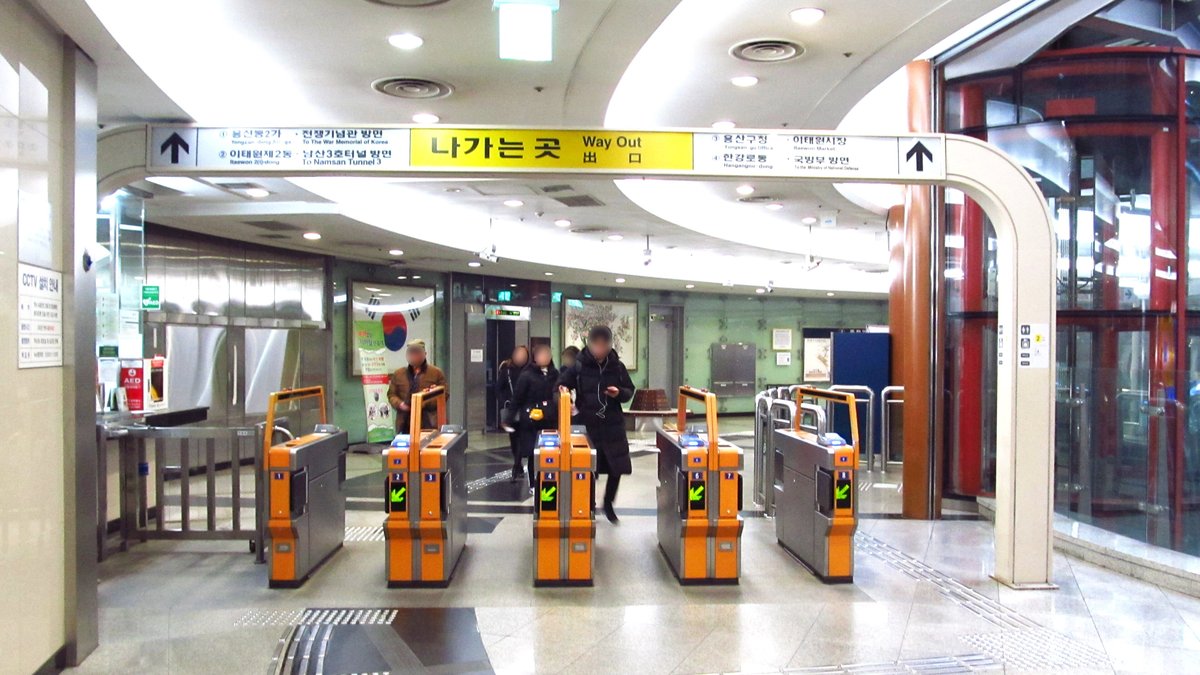
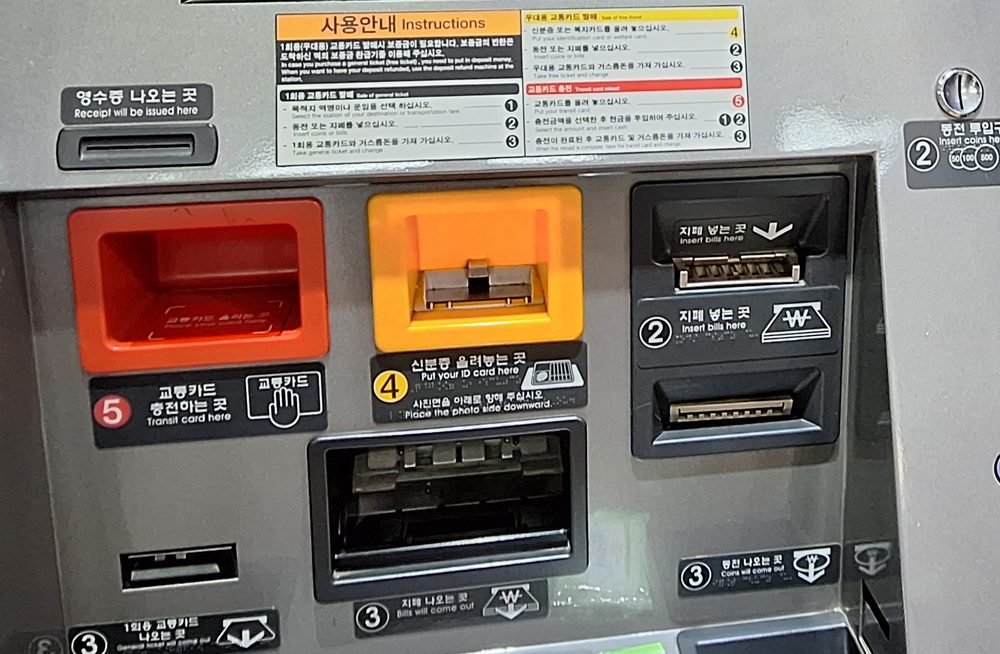
Not with your foreign card directly, in 2026. On iPhone, install MobileTmoney, create a mobile T-money card, top it up with Apple Pay, and tap your phone at the gate. You don’t need to open the app to tap, and there’s no sign-up.
| App | MobileTmoney, by Tmoney Co., Ltd., on the App Store |
|---|---|
| For international users | Tap Foreigner, under the Start button |
| Top-up | In the app, with Apple Pay |
| Accepted top-up cards | Mastercard, American Express, UnionPay, JCB. Visa isn’t on the list |
| iPhone | iPhone XS / XR or later, iOS 17.2 or later |
| Apple Watch | Series 6 / SE (2nd gen) or later, watchOS 10.2 or later |
| Sign-up | Not required |
| Riding | Hold the iPhone or Apple Watch to the gate or bus reader |
The Visa gap is the part that catches people. T-money’s App Store release notes say “Top up easily with Apple Pay (Mastercard, American Express, UnionPay, JCB),” and its replies to users say Visa isn’t supported at the moment. If Visa is the only card in your Wallet, MobileTmoney won’t take your money. Your options are to add a second card on one of those four networks before you fly, or to buy a physical T-money card and top it up with cash.
Seoul Metro has one more option on Lines 1–8. Since March 17, 2026, its newer ticket machines take foreign-issued cards for the Climate Card (기후동행카드) short-term pass, a Seoul transit pass. That’s a different card from T-money; the same machines still take only cash to top up a physical T-money card.
When will foreign cards work at Korean subway gates and on buses?
From 2027, in stages, starting with Seoul city buses. No launch dates are set. Tapping a foreign card directly is called open-loop or EMV payment.
| Where | Plan |
|---|---|
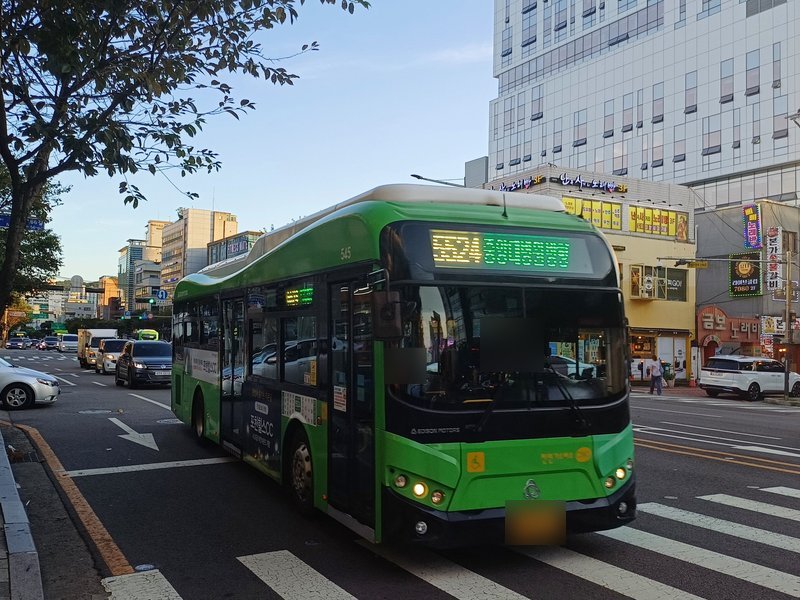
| Seoul city buses | First in 2027, after development and testing through the end of 2026 (T-money, September 2026) |
| Incheon buses, airport buses | Next, after Seoul city buses |
| Seoul airport buses | T-money signed with three major airport bus companies (about 400 buses), targeting foreign-card tap and QR payment in Q1 2027 (November 2026) |
| Seoul subway Lines 1–8 | Card readers replaced with EMV readers in 2027 (Seoul city plan) |
If you’re traveling in early 2027, check the T-money newsroom before you go. Until a route is announced as live, plan on MobileTmoney or a physical card. Long-distance buses between cities are booked separately; see how to book Korean express and intercity buses with a foreign card.
Do I still need a physical card and cash in Korea?
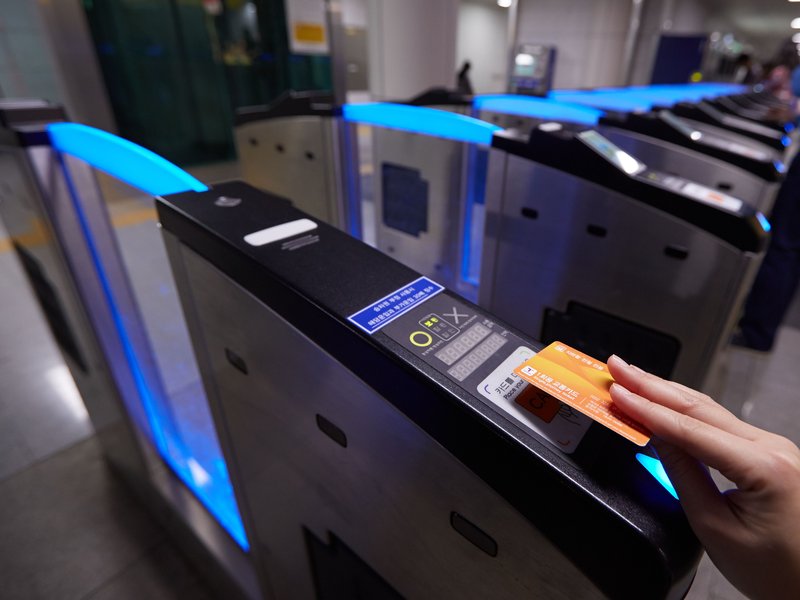
Yes, both. Bring a physical Visa or Mastercard, because some terminals won’t take a tap and you’ll need to insert the card. Bring some won in cash, for small shops that don’t take cards and for topping up a physical T-money card, which is cash-only.
Should I pay in my home currency or in won?
Choose won (KRW) when the terminal offers to charge you in your home currency. That offer is called dynamic currency conversion (DCC).
| What it is | A merchant option to pay in your home currency; Visa says the amount includes an exchange rate and additional fees |
|---|---|
| Who chooses | You. Visa says merchants must give you the choice and must not choose on your behalf |
| If you decline | Visa: accepting or declining DCC doesn’t affect your ability to pay |
| If pressured | Visa recommends declining and reporting it to your card issuer |
These are Visa’s rules. If you carry another network, the advice is the same: pick won.
Can tourists use Kakao Pay or Naver Pay in Korea?
Kakao Pay is out for tourists. Naver Pay’s global membership works, but only charges your own foreign card and only inside Naver services, so it isn’t a way to pay at a shop counter.
| What a short-term visitor can do | |
|---|---|
| Kakao Pay | Nothing. It needs a foreign resident registration number, a Korean phone in your name, and a card issued in Korea |
| Naver Pay global member | Open to short-term foreign visitors; pay only with a credit or debit card issued abroad; up to 5,000,000 won a month on Naver Pay’s side |
| Where Naver Pay works | Naver services open to global members, such as Naver Map bookings, ordering and payment; passport verification since June 4, 2026 |
| Naver Pay barcode at a shop | Needs a Korean phone in your name plus a Korean account or card, so not for visitors |
For taxis, the question is different again; see whether foreigners can pay for Kakao T taxis with a foreign card.
Your situation
If you only carry a Visa
Apple Pay in shops works the same as with any card, where the terminal allows it. For transit, MobileTmoney won’t take the Visa, so either add a Mastercard, Amex, JCB or UnionPay card to Apple Pay before the trip, or buy a physical T-money card and top it up with cash. In Seoul, the Climate Card short-term pass is another route, since the newer Line 1–8 machines sell it to foreign cards.
If you want to leave the wallet at the hotel
Set up MobileTmoney with a Mastercard, Amex, JCB or UnionPay card for transit, and use Apple Pay in shops. Keep one physical card and a little cash in your phone case anyway; a terminal without contactless switched on will want a card, and some small shops want cash.
If you’re traveling in 2027
Check whether direct foreign-card tap has launched on Seoul city buses or airport buses before you fly. Until then, the 2026 setup still applies.
Setting up MobileTmoney on iPhone
- Check your phone: iPhone XS / XR or later, iOS 17.2 or later.
- Check your Wallet: it needs a Mastercard, American Express, UnionPay or JCB card. Visa won’t work for top-ups.
- Install MobileTmoney from the App Store and tap Foreigner, under the Start button.
- Create the card and top up with Apple Pay in the app.
- Ride: hold the iPhone or Apple Watch to the gate or bus reader. No need to open the app.
Common mistakes
- Tapping the Wallet card at a subway gate. Foreign cards don’t open Seoul gates in 2026.
- Counting on Visa for MobileTmoney top-ups. It isn’t on T-money’s list.
- Leaving the physical card at the hotel. A contactless symbol doesn’t mean contactless is on.
- Reading “Hyundai Card only” as a ban on your card. It applies to Korean-issued cards.
- Accepting the home-currency price at the terminal. Choose won.
- Trying to sign up for Kakao Pay. It needs Korean ID and a Korean card.
FAQ
- Q1: Can I use Apple Pay in South Korea with a US or UK card?
- Yes, where the shop’s terminal has contactless payment turned on and accepts your card network. A contactless symbol on the reader isn’t a guarantee, so carry the physical card too.
- Q2: Is Apple Pay in Korea only for Hyundai Card?
- Only for cards issued in Korea. Among Korean banks, Apple lists only Hyundai Card. Cards from your home country follow your own country’s Apple Pay list.
- Q3: Can I use Apple Pay on the Seoul subway?
- Not with the foreign card in your Wallet, in 2026. On iPhone, use the MobileTmoney app: create a mobile T-money card, top it up with Apple Pay, and tap your phone at the gate.
- Q4: Does MobileTmoney accept Visa?
- No. T-money lists Mastercard, American Express, UnionPay and JCB for top-ups by international users. With only a Visa, buy a physical T-money card and top it up with cash instead.
- Q5: When will foreign cards work on Seoul buses and the subway?
- From 2027, starting with Seoul city buses. T-money targets the first quarter of 2027 for Seoul’s main airport bus companies; Seoul’s plan replaces subway Line 1–8 readers in 2027. No launch dates yet.
- Q6: Should I pay in my home currency or won in Korea?
- Choose won (KRW). Visa says the home-currency option includes an exchange rate and extra fees, and declining it doesn’t stop the payment.
- Q7: Can tourists use Kakao Pay or Naver Pay in Korea?
- Kakao Pay, no; Naver Pay, only inside Naver services. Naver Pay’s global membership charges your foreign card for things like Naver Map bookings, not at shop counters.
If it were me
I’d carry a physical Visa or Mastercard as the main card, tap the phone where it works, and insert the card the moment a tap fails. For transit on an iPhone, I’d set up MobileTmoney before the flight, with a Mastercard or JCB in the Wallet for top-ups; with only a Visa, I’d skip the app and use a physical T-money card topped up with cash. I’d also keep some won for small shops. When a terminal offers my home currency, I’d decline every time.
Official sources
- Apple: Apple Pay symbols and where to use them
- Apple: Apple Pay countries and regions
- Apple: Apple Pay participating banks in Asia-Pacific
- App Store: MobileTmoney (devices, top-up cards)
- Seoul: Climate Card short-term pass FAQ (Korean)
- Visa: dynamic currency conversion
Prices and times follow the latest official announcement.
Read next
Verified
 Current
Can Foreigners Use Kakao T Taxi? Foreign Cards and Cash 2026
Kakao T accepts Visa, Mastercard, JCB and AMEX cards issued outside Korea if the name matches your account, though some issuers still block them; Kakao Pay takes Korean cards only. Without a card, request a Regular taxi, choose to pay the driver, and pay by card or cash at the end. Blue Partners and Booster calls need an in-app card. k.ride calls the same cars but adds 10% to the fare and takes no cash. The iPhone app needs iOS 17.0 or later.
Verified
 Current
Korea Express Bus Booking 2026: Foreign Cards, Seoul to Busan
Express buses are booked on kobus or its app, intercity buses on txbus or BUSTAGO; the systems don’t share routes. From abroad, book express buses on Klook or GO Hanpass; intercity terminal counters and the BUSTAGO and InterCity Bus apps take Visa, Mastercard, JCB and UnionPay. Intercity buses usually open about a month ahead. Fare caps rose 9% on October 1, 2026, and cancelling after departure costs 60% in 2026.
Verified
 Current
Does Uber Work in Korea? 2026 Guide to Paying and Airports
Yes. Use the Uber app and account you already have; no new sign-up. Every ride is a licensed taxi, mostly metered. Pay by card in the app, or choose in-person payment before requesting and pay cash or card at the end. Incheon, Gimpo, Gimhae and Jeju airport rides can be booked up to 90 days ahead, and reserved metered taxis still run the meter.